
Imagine you’re on a train, commuting to work, and suddenly, an urgent email pops up. It’s a PDF file that needs your immediate attention. You need to edit and sign it on the spot. But here’s the challenge. Your Android phone is your only tool at hand, and you know the functions on Android devices are often limited.
That’s where UPDF, short for Universal PDF Editor, comes into play. It’s your secret weapon for those moments when work needs to happen on the go, anytime, anywhere. But what exactly is UPDF? Let’s dive into this versatile PDF editor that’s about to change the way you work on your Android device.
What is UPDF?
So, what’s the deal with UPDF? Well, UPDF stands for Universal PDF Editor. It’s not just a run-of-the-mill PDF editor; it’s your versatile PDF powerhouse. UPDF empowers you to edit, convert, annotate, sign, perform OCR, create forms, and more. All from the convenience of your Android device. With a user-friendly interface, top-quality features, and the ability to meet both basic and professional PDF requirements, UPDF is the ultimate all-in-one PDF editor.
Why Choose UPDF as Your PDF Editor on Android
When it comes to picking a PDF editor for Android, UPDF stands out as the most promising option. Here’s why:
1. UI and Accessibility
Alt text: UPDF Dark Mode Support
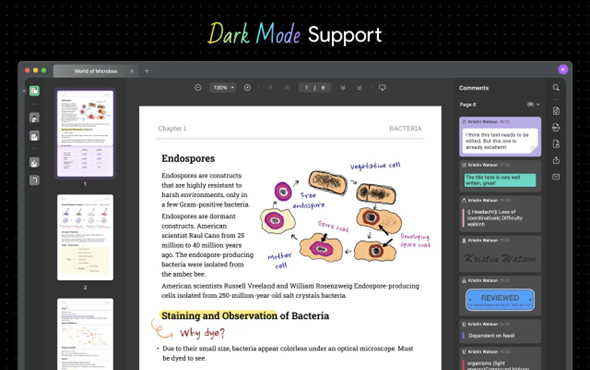
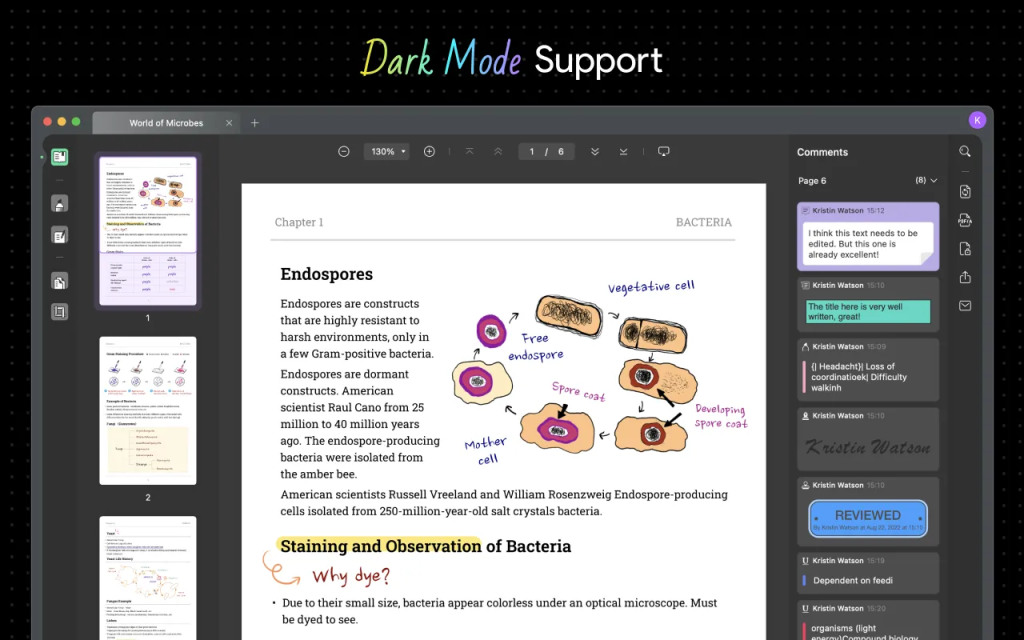
UPDF’s user-friendly interface welcomes users of all levels, offering a smooth experience on Android. You have the freedom to choose between dark and light modes and customize the page layout for your comfort.
UPDF makes sure you work with style and ease, whether you’re a beginner or a seasoned pro, making it the ideal PDF opener for your Android device.
2. Read and Annotate
Alt text: Read and Annotate PDFs
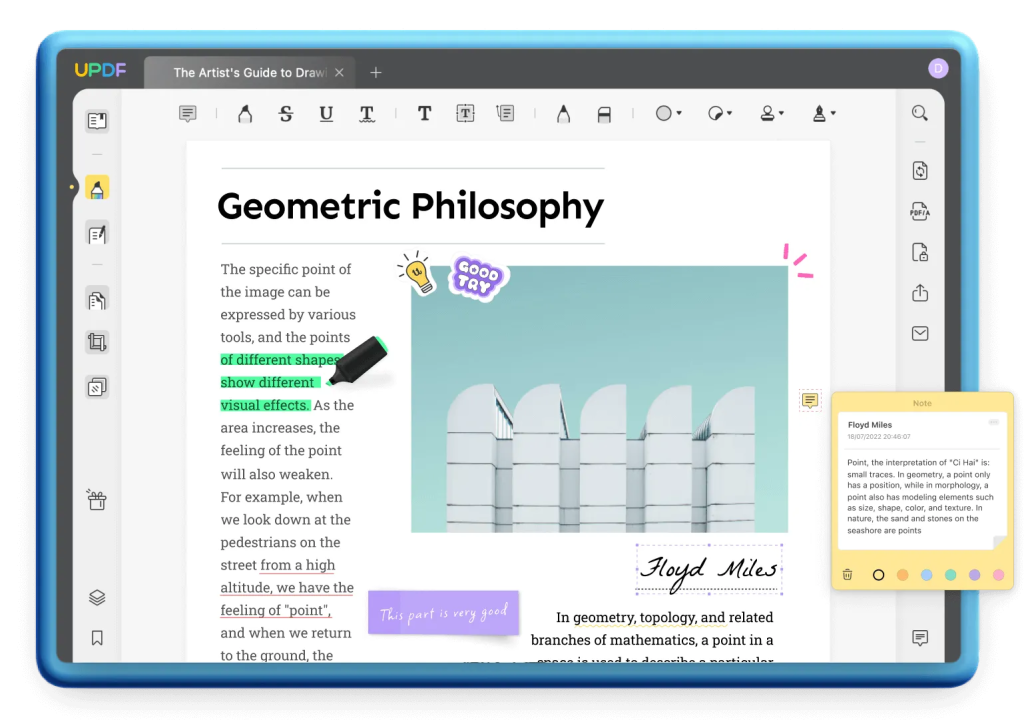
UPDF elevates your PDF reading experience with customizable page layouts, bookmarks, and text searches. Its multi-tab view lets you work on multiple PDFs simultaneously, while slideshows maintain document formatting.
Collaborate seamlessly by annotating PDFs with comments, highlights, stamps, stickers, signatures, and shapes—all designed for effortless collaboration and enhanced readability. UPDF makes PDFs a breeze to work with.
3. Edit PDF Smoothly
Alt text: Edit PDF text
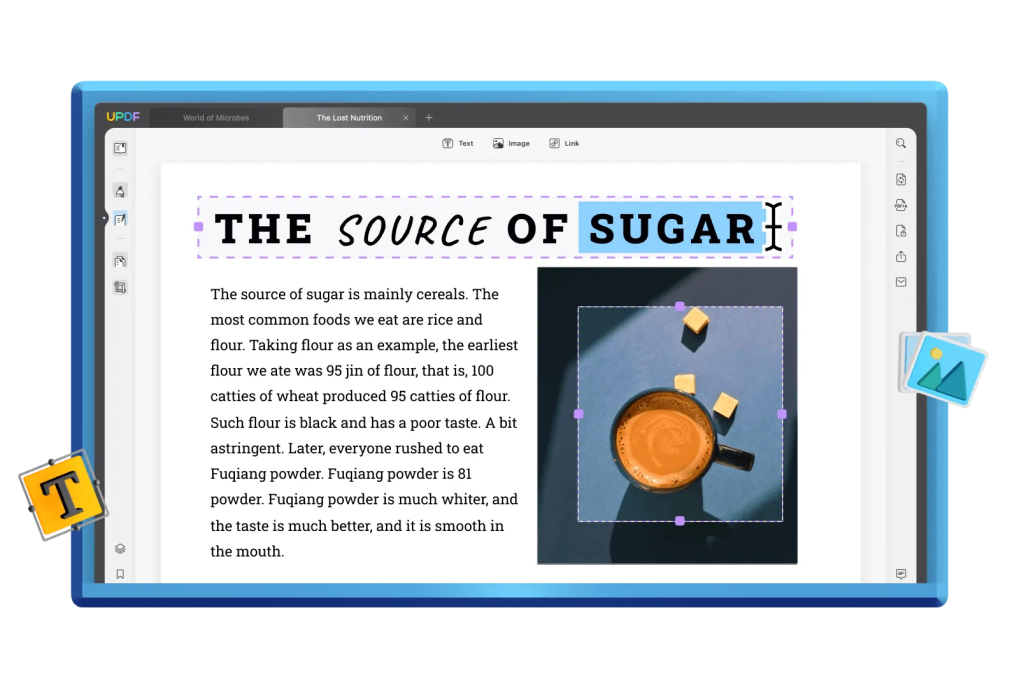
UPDF is all about efficient editing. You can tweak text images and even add links, headers & footers. Modify text properties like font, style, and color with ease. Manage images effortlessly. Add, remove, crop, or replace them. Create web links within your PDFs and style them for that professional touch.
And don’t forget about watermarks and background colors. UPDF gives you the power to make your PDFs truly yours.
4. Premium PDF Converting Quality
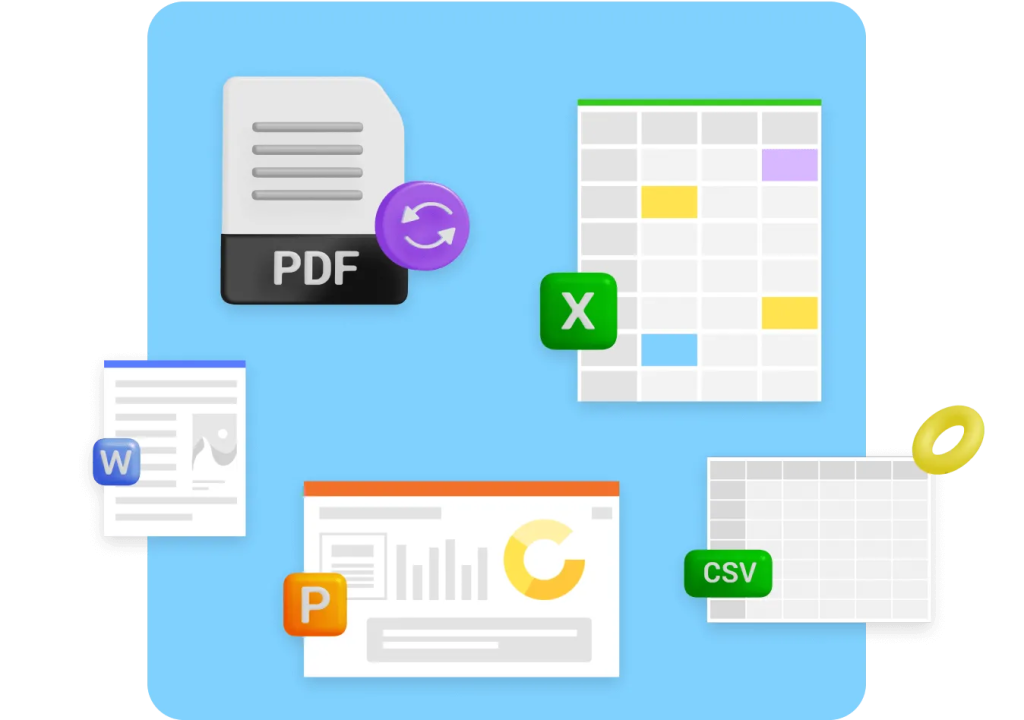
Alt text: Convert PDF
UPDF also delivers top-notch PDF conversion that retains formatting. Easily switch between PDF and popular office formats like Word, Excel, and PowerPoint. Convert PDFs to image files or plain text for hassle-free editing.
And when it comes to scanned PDFs, UPDF’s OCR converter works its magic, transforming them into searchable and editable files. With UPDF, your PDFs are as versatile as you need them to be.
5. Fill and Sign
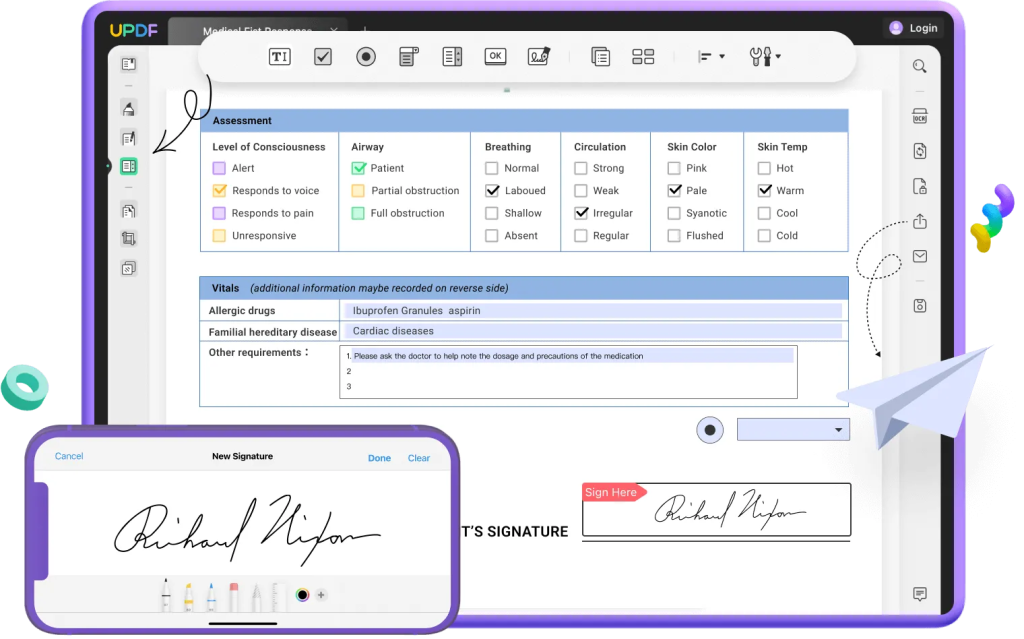
Alt text: Fill and Sign PDF
Need to fill out forms or add your signature on the go? UPDF simplifies this process, making it convenient and efficient. Craft personalized and interactive forms with ease, from surveys to applications. Fill non-fillable forms effortlessly and tackle interactive ones with a breeze. UPDF lets you create and customize signatures, making electronic signing a snap.
And the best part? You can share and send filled and signed forms without the need for printing or switching between apps. UPDF takes you a step closer to a paperless world.
6. Protect PDF
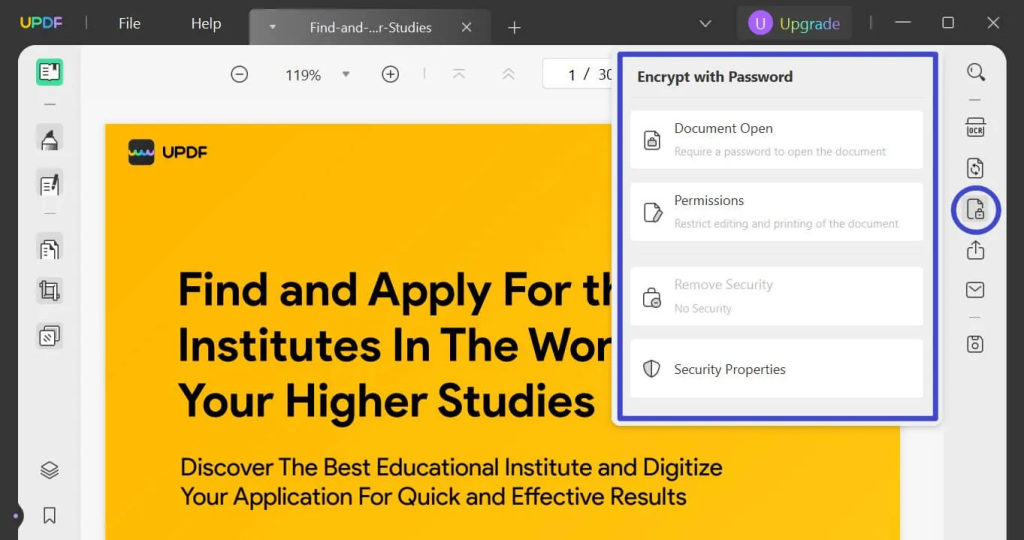
Alt text: Protect PDF
Why UPDF as your PDF Editor on Android? It’s your shield against unauthorized access. UPDF’s protector tool lets you set passwords to prevent unwanted eyes from opening your PDFs. You can even restrict copying, editing, and printing with permission passwords.
Choose from encryption levels like 128-bit RC4, 128-bit AES, and 256-bit AES, and customize keywords and author names. With UPDF, your sensitive documents stay secure, thanks to innovative security algorithms.
7. Full Functionality
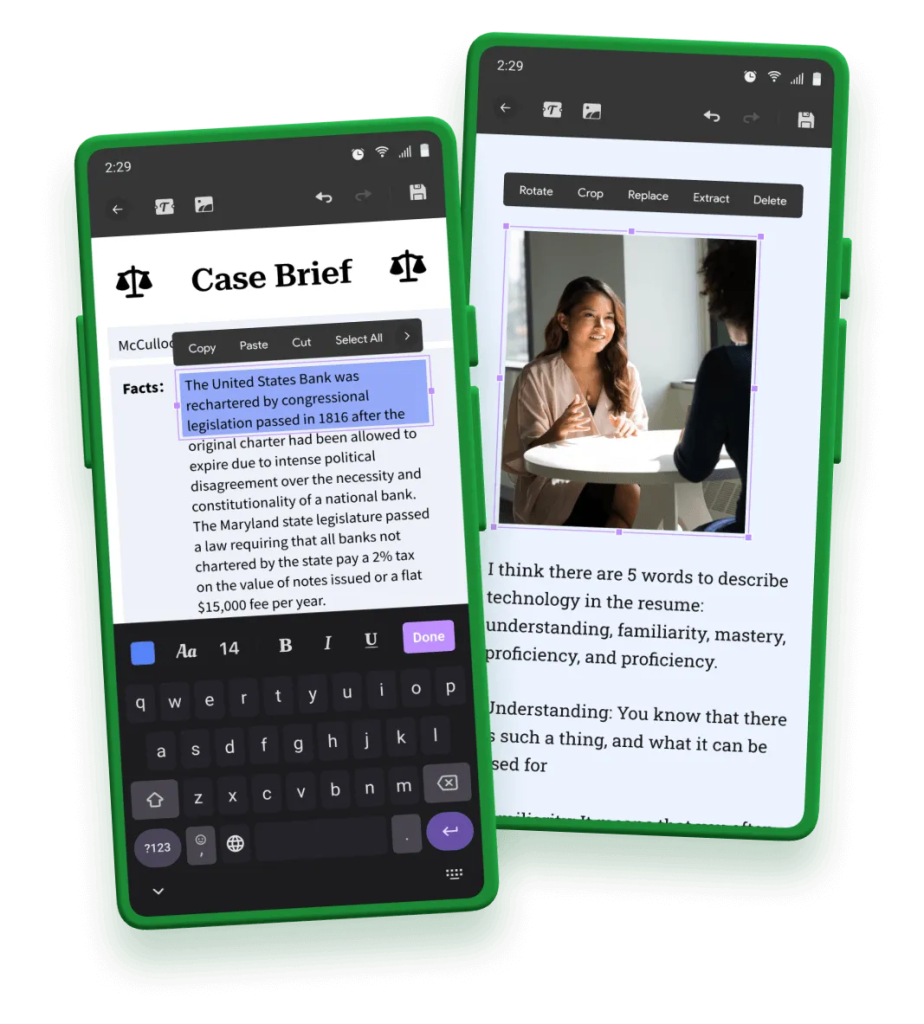
Alt text: UPDF for Android
Why UPDF as your PDF Editor on Android? Because it’s the complete package. Whether you need to edit, convert, annotate, sign, perform OCR, create forms, and more, UPDF has you covered. It’s your all-in-one PDF editor that caters to both basic and professional requirements. UPDF is the versatile solution you’ve been looking for to handle all your PDF tasks effortlessly.
Plus, you can enjoy the same seamless experience across Mac, Windows, iOS, and Android, all with a single license and a generous 58% discount. It’s time to explore the full potential of UPDF!
UPDF is not just a PDF editor. It is also a powerful AI-processing software.
So, what’s the deal with UPDF AI? Well, it’s not just another fancy acronym. It’s your secret weapon for turbocharging your PDF productivity. Let’s break down how UPDF AI can elevate your PDF game.
1. Summarize PDF
Alt text: Summarize PDF
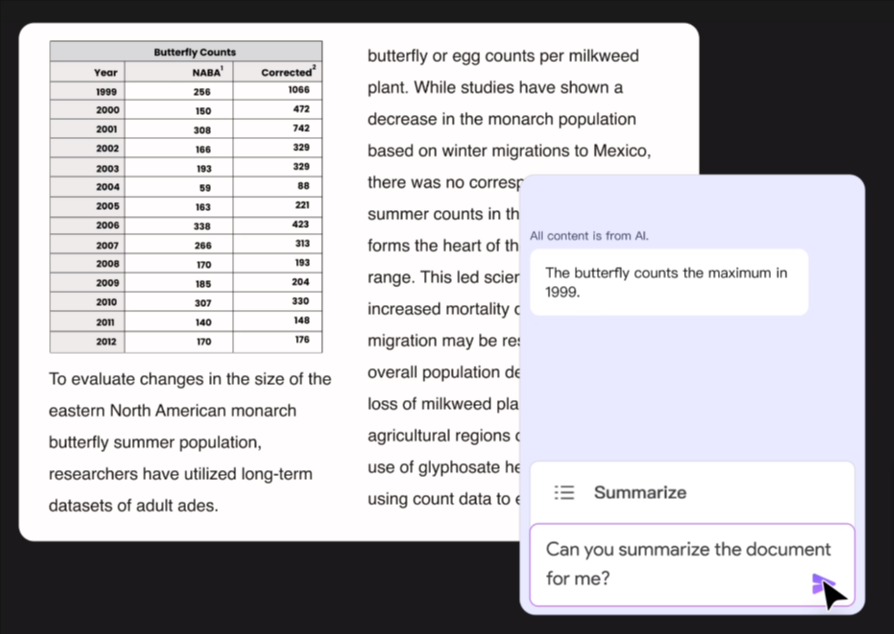
Imagine having a lengthy 100-page PDF on your hands. UPDF AI can work its magic, condensing that mountain of text and even simplifying complex data charts. In a matter of 30 seconds, you’ll have concise summaries that get straight to the point.
2. Translate PDF
Alt text: Translate PDF
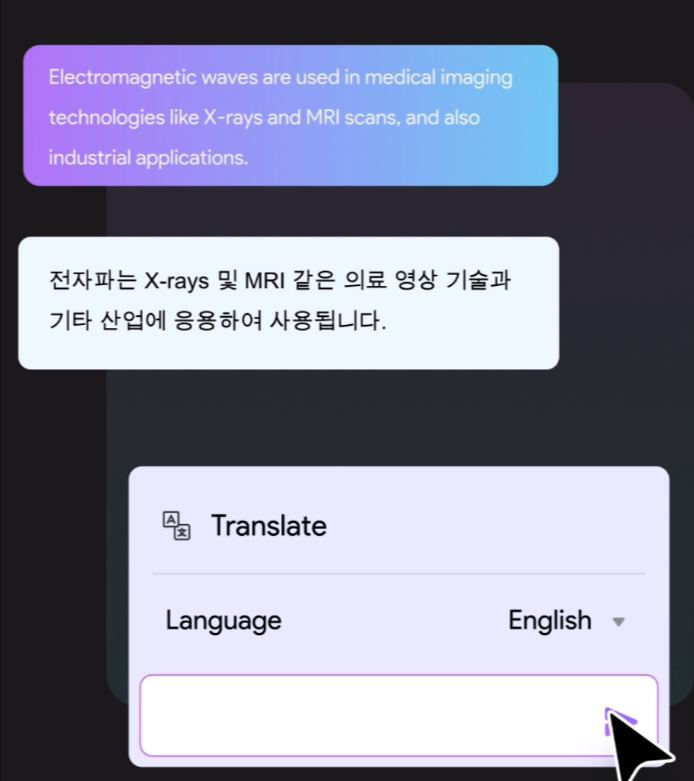
No more juggling between translation tools and PDF readers or editors. UPDF AI is your multilingual sidekick. It can instantly convert PDFs from any language, making language barriers a thing of the past.
3. Explain PDF
Alt text: Explain PDF
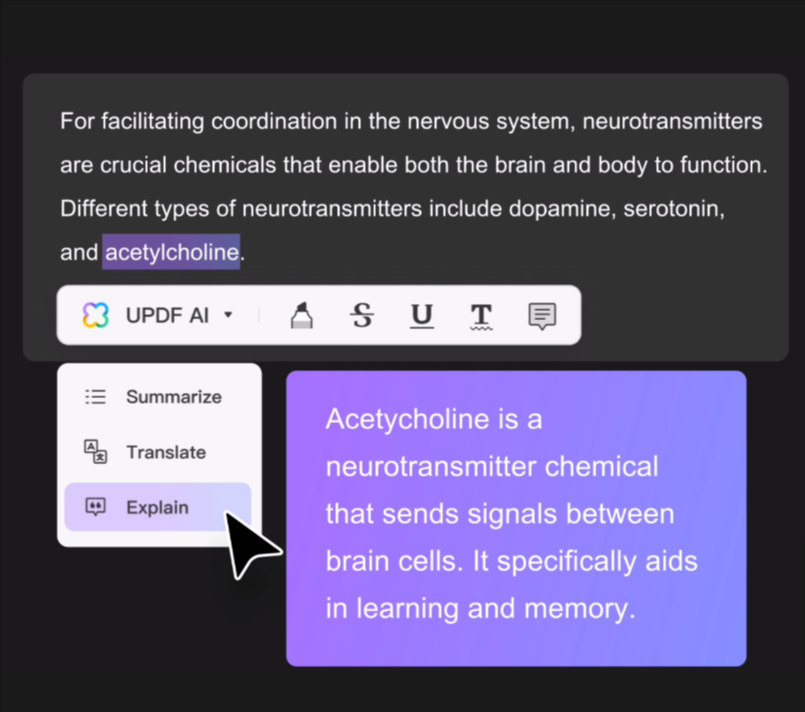
We’ve all encountered those mind-boggling technical documents or medical jargon-filled texts. UPDF AI steps in to demystify the complexity. It takes intricate information and makes it more digestible for everyone, simplifying educational materials and technical data.
4. Write PDF
Alt text: Write PDF
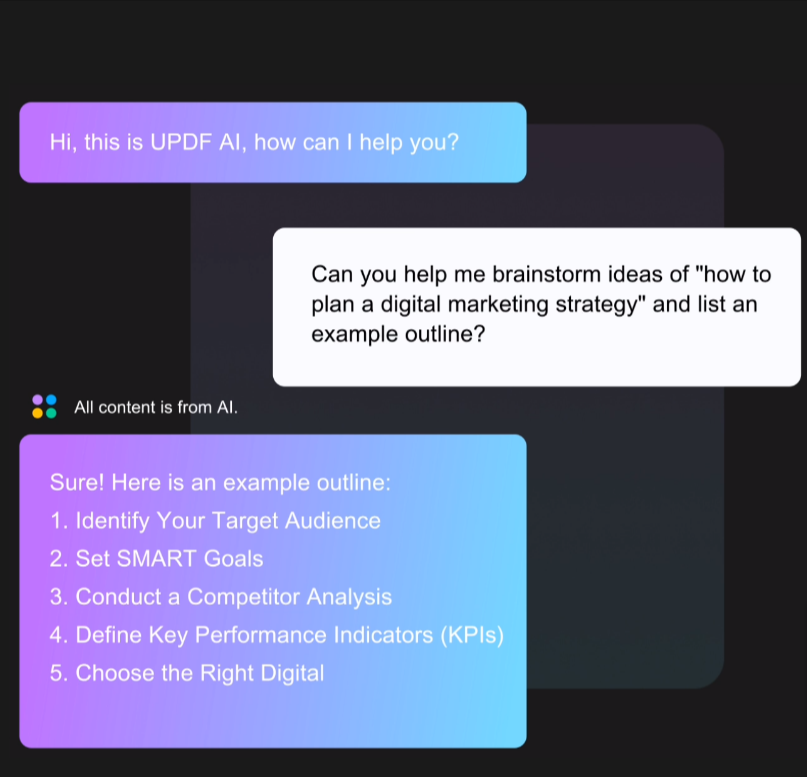
Brainstorming ideas? Need a grammar guru? UPDF AI has your back. It’s not just about fixing typos. It’s a full-fledged writing companion. Whether you’re polishing existing content, composing new articles, or fine-tuning your PDFs, UPDF AI streamlines the entire process.
Now that we’ve explored the remarkable capabilities of UPDF AI, let’s shift gears and delve into a brief but enlightening comparison between UPDF and its formidable counterpart, Adobe.
A Brief Comparison: UPDF vs. Adobe
While Adobe Acrobat is a familiar name in the PDF editing realm, UPDF stands as a robust contender. Check the following chart for a detailed comparison:
| Pricing, Systems, and Features |
Adobe Acrobat Standard DC |
Adobe Acrobat Pro DC |
UPDF |
| Pricing |
US$155.88/year |
US$239.88/year |
US$29.99/Year US$49.99/Perpetual |
| Work on systems |
Windows only |
Windows, Mac, iOS, and Android |
Windows, Mac, iOS, and Android |
| Open and read PDFs |
✅ |
✅ |
✅ |
| Display PDF as a slideshow |
❌ |
❌ |
✅ |
| Highlight/Strikethrough/Underline |
✅ |
✅ |
✅ |
| Text Comment/Text Box/Text Callout/Sticky Note |
✅ |
✅ |
✅ |
| Manage the annotation list |
✅ |
✅ |
✅ |
| Stickers |
❌ |
❌ |
✅ |
| Add text to PDFs |
✅ |
✅ |
✅ |
| Edit existing text in PDFs |
✅ |
✅ |
✅ |
| Add, delete, extract, rotate, crop, and replace images |
✅ |
✅ |
✅ |
| Add rich text by dragging and dropping |
❌ |
❌ |
✅ |
| Turn scanned documents into searchable and editable PDFs (OCR) |
❌ |
✅ |
✅ |
| Convert PDF to Word, Excel, PPT, Text, RTF, HTML, XML, and Images (PNG, JPEG, TIFF) |
✅ |
✅ |
✅ |
| Save PDF as PDF/A |
❌ |
✅ |
✅ |
| Convert PDF to GIF |
❌ |
❌ |
✅ |
| Add a Password to Protect PDFs |
✅ |
✅ |
✅ |
| Redact sensitive information |
❌ |
✅ |
❌ |
| Edit PDF Forms |
❌ |
❌ |
✅ |
| AI Assistant |
❌ |
❌ |
✅ |
Affordable Pricing and a Call to Action
Now comes the exciting part! UPDF is offering a whopping 58% discount on its software. It’s time to take action, enhance your productivity, and unlock the full potential of UPDF. Don’t miss out on this opportunity. Grab your discounted UPDF license here. Elevate your PDF editing and processing game with UPDF today!
