Google is well known for many things, but buying reading and managing eBooks isn’t really one of them. For those looking for an open flexible and cross platform solution to manage eBooks Google Play Books is a worthy contender that you should at least check out. If I had to sum up it’s strong points it would be that it’s free, it supports uploading of your own library and its cross platform sync is excellent.
At its heart, Google Play Books started as an eBook platform, and it supports just two formats, EPUB and PDF. It’s not hard to get most books in an EPUB format and it’s certainly superior to the PDF option which restricts some of the advanced features of eBooks. While Play Books now supports Comics and Audio Books it’s heritage in eBooks is deeply integrated in the service. There’s a version of Play Books for Android phones and Tablets, iOS, a Chrome app and of course you an access Play Books via any browser.
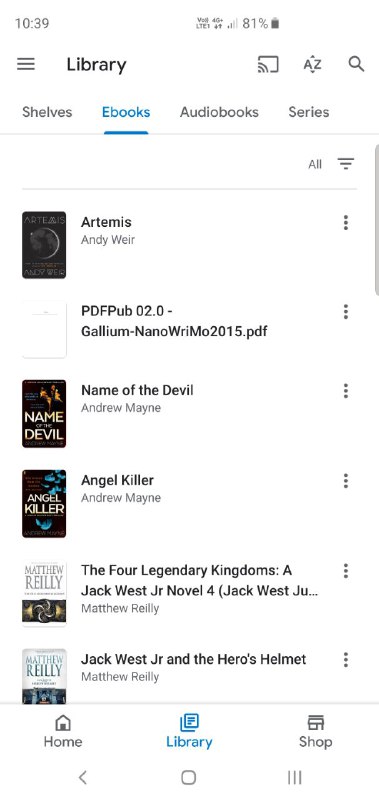
As a service, Play Books supports continuous reading across platforms. As long as you have a data connection your location in each book is saved and synced to the cloud. You could start reading on your tablet, switch to a phone, then to a browser and never miss your place. This isn’t unique across the eBook app space but is a fantastic feature for avid and casual readers alike.
For purchasing new books, Google has the Google Play Store which contains a massive library with over 5 million titles and growing. Buying an eBook is just like buy an app, TV show or movie from Google. Simply search for what you want, click buy and it will appear in your library across all of your devices. As part of the Google Play family you also get Family Sharing, so any purchased books can be easily shared with anyone in your family group, that’s a nice feature. On a side note uploaded books are not part of the family library, more on that soon.

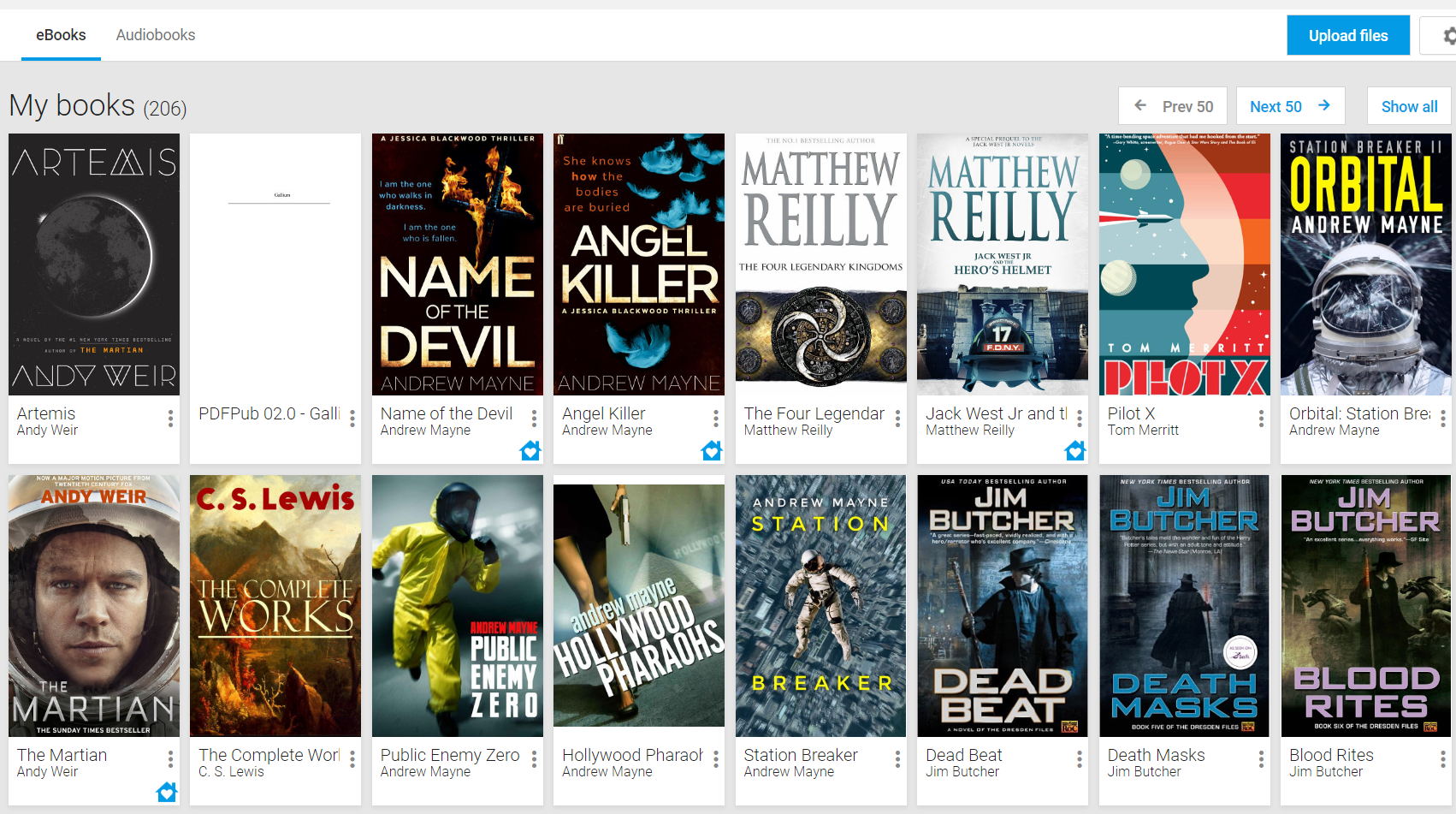
By far one of the best features of Play Books is the ability to upload your own books, just like Google Play Music (and hopefully soon YouTube Music) you can upload up to 1000 eBooks to your library for free. All you need to do is have a DRM-free EPUB or PDF version of a book and you can upload it either via the web or the app.
This is where things could get a bit messy for people with a large historic library of eBooks, especially if they’re in different formats. I could write a whole post on how to convert your freely owned eBooks into EPUB, fix the Metadata and even use consistent covers for that ultimate clean library feeling.
If you want a tutorial like that let us know and we could put one together, however if you’re digitally inclined then I’d recommend checking out Calibre-Ebook management, I used their free tools to curate, convert and beautify my entire eBook library prior to uploading, I’ve eve used it to publish a few fan-fic eBooks for groups I’ve been in, yeah ‘Nerd’, I know.
Ok, you’ve got a library, they’re all converted to EPUB, now what? Elementary, upload them. Open Google Play, navigate to “my books’ and click on ‘Upload files’. From there you’ll be presented with a very familiar Google upload interface, either drag and drop your files in or navigate to them and click select.

From there you just have to wait for the files to upload and be processed by Google Play and they will appear in your library. I have to admit I have had a few files that just wouldn’t upload. Best I can tell there was something incorrect with the EPUB file and that prevented them from working. You also can not upload DRMed books. Depending on where you bought them from there may be avenues to download a non DRM version. I was lucky that I was always careful not to buy DRM files.
As with all user upload libraries Play Books could be used to host a pirated library, however there’s no way I know of for peg legged book readers to distribute those files using Play Books, short of giving out their Google username and Password, don’t do that buy the way. Still there will be those who criticise any open platform as supporting piracy, as far as I’m concerned there’s a big difference between be open and supporting piracy, I mean the sea’s open but it doesn’t “support piracy” just because it exists, even if piracy happens to take place there!
And that’s Play Books for eBooks in a nut shell. You can buy, manage and read all of your eBooks across a single integrated cloud solution, free of charge. While there are many eBook platforms, some walled gardens some very open source, and many of them great. However, if you’re already n the Google ecosystem there’s a familiarity with the look and feel of Play Books, it just works and your used to and that’s also worth something, or at least it is to me.
Audio books
Google has recently added support for Audio Books to Play Books, offering a contender of sorts to the Amazon owned defacto audio book standard Audible. As a Audio Book player it’s very competent, it supports continued playback in different devices, including Google Assistant speaker and Smart Displays and supports variable speed playback.
The issue with Audio Books is that they aren’t cheap, which considering the production values makes sense. Not only do you have to remunerate the writer, publisher etc but the production cast and produces of the audio book itself also need to be factored in. To combat this services like audible offer subscriptions, offering tokens for books at a reduce rate in exchange for ongoing revenue.
Google Play currently only offers their audio books for sale, and with new releases costing upward of $45 AUD at release you’d really want to love Audio Books and not want to use Audible to make the switch. As a avid podcast listener and passionate Google Smart speaker owner I’d ideally love to incorporate more Audio Books into my entertainment routine but at $45 it’s a bit pricey.
There’s multiple ways Google could roll out an Audio Book program, either as a standalone subscription or integrated into Google Play Music, YouTube Music, YouTube Premium or even Google One. One thing is for certain if they want to get Audio Books onto the Assistant powered speakers then they will need to do something.