
Google’s always looking for ways to improve their offerings and make them more helpful, and today Android Police has spotted a useful new feature in Maps that displays your current speed while navigating.
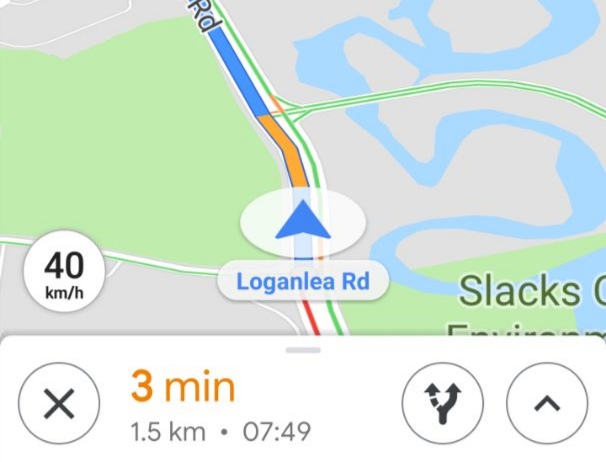
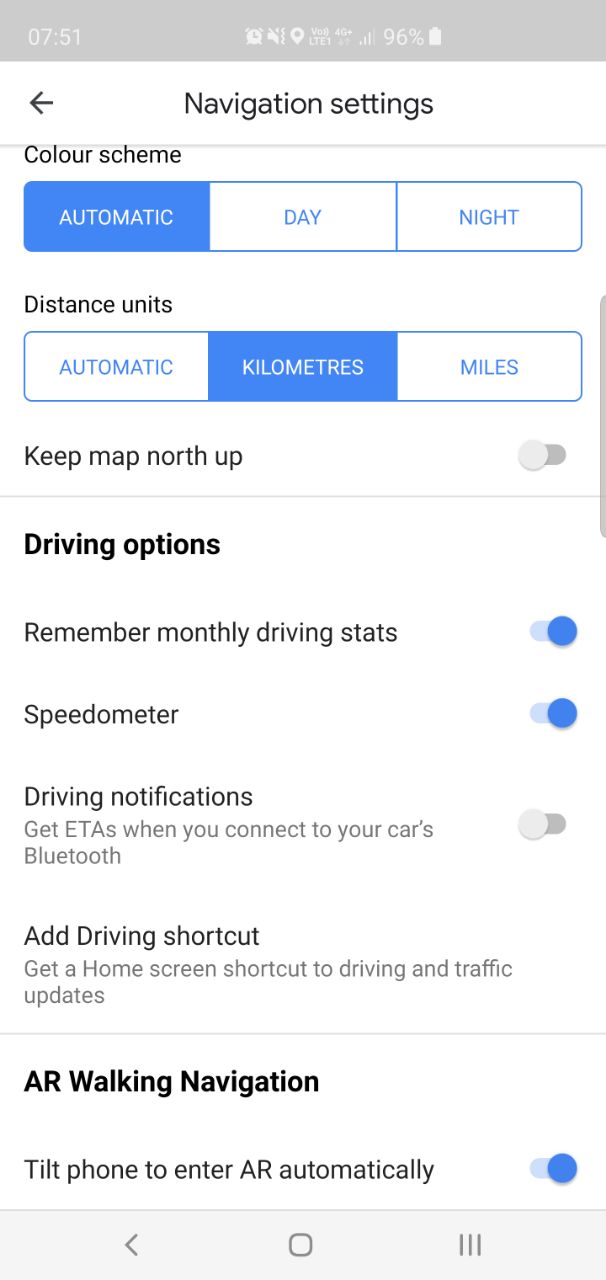
The feature, not yet widely available, adds a small circle with your current speed. It can be activated under Settings > Navigation Settings – if its there.
It doesn’t currently show up in Android Auto.
Of course, your phone doesn’t quite know your speed – it’s not receiving any telemetry from your car’s dashboard. If you have the option available to you, you shouldn’t expect it to be accurate.
The feature looks to have been ported in from Waze, acquired by Google a while back now with a promise to integrate its best features.
The feature has turned up on some Ausdroiders’ phones, but not my own, so it could be an A/B test or a server-side switch rolling out now.


